
Tools
Find a collection of sizing, specification and guided selling tools here.
Online configurators for easy product selection

TXV Selection
Quickly find and configure the right Danfoss Thermostatic Expansion Valve for your cooling application.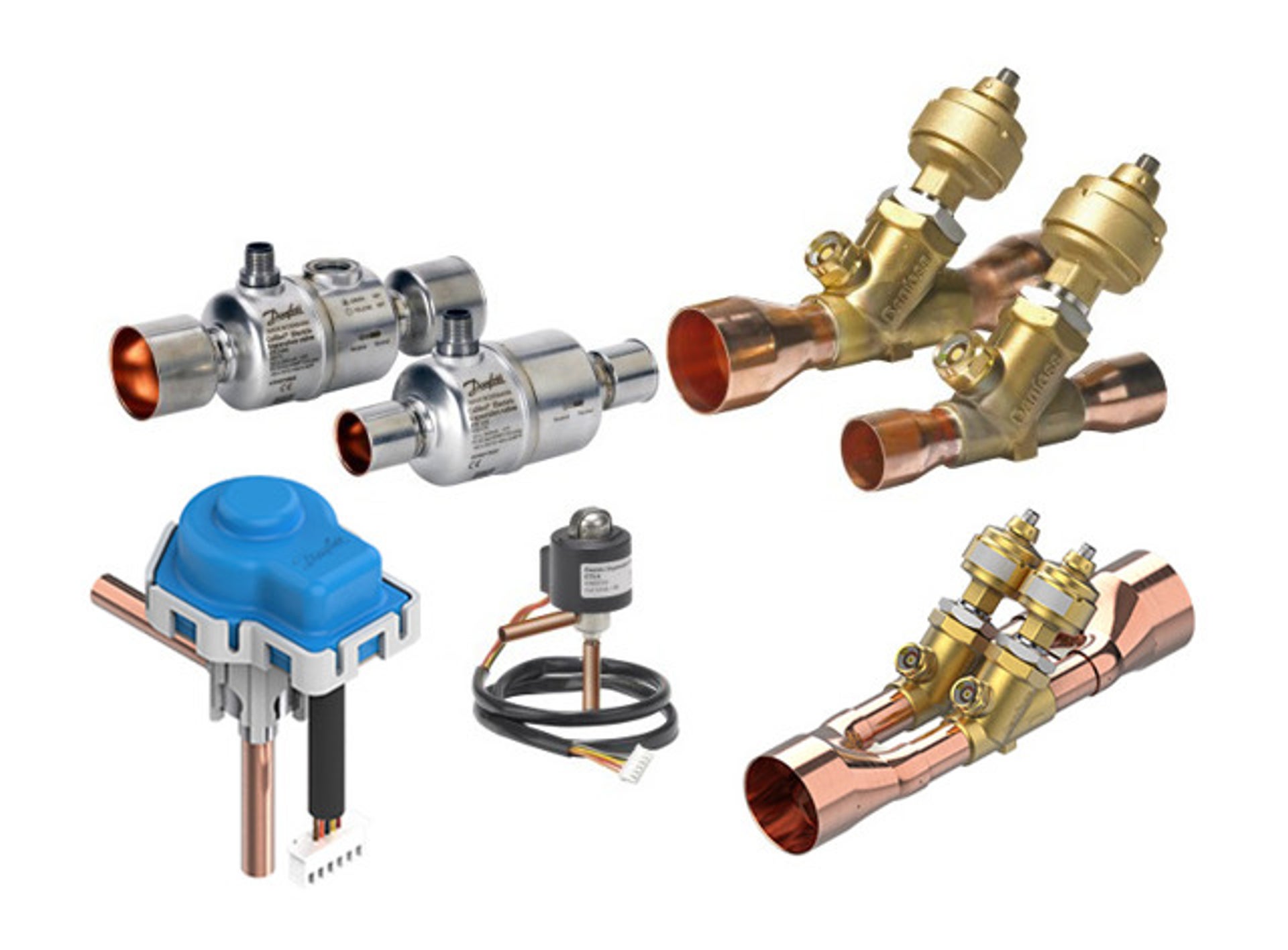
EXV Selection
Select and customize the ideal Danfoss Electric Expansion Valve to match your system requirements.
Icon2 Selection
Build your smart hydronic floor heating control setup with the right combination of Icon2 products.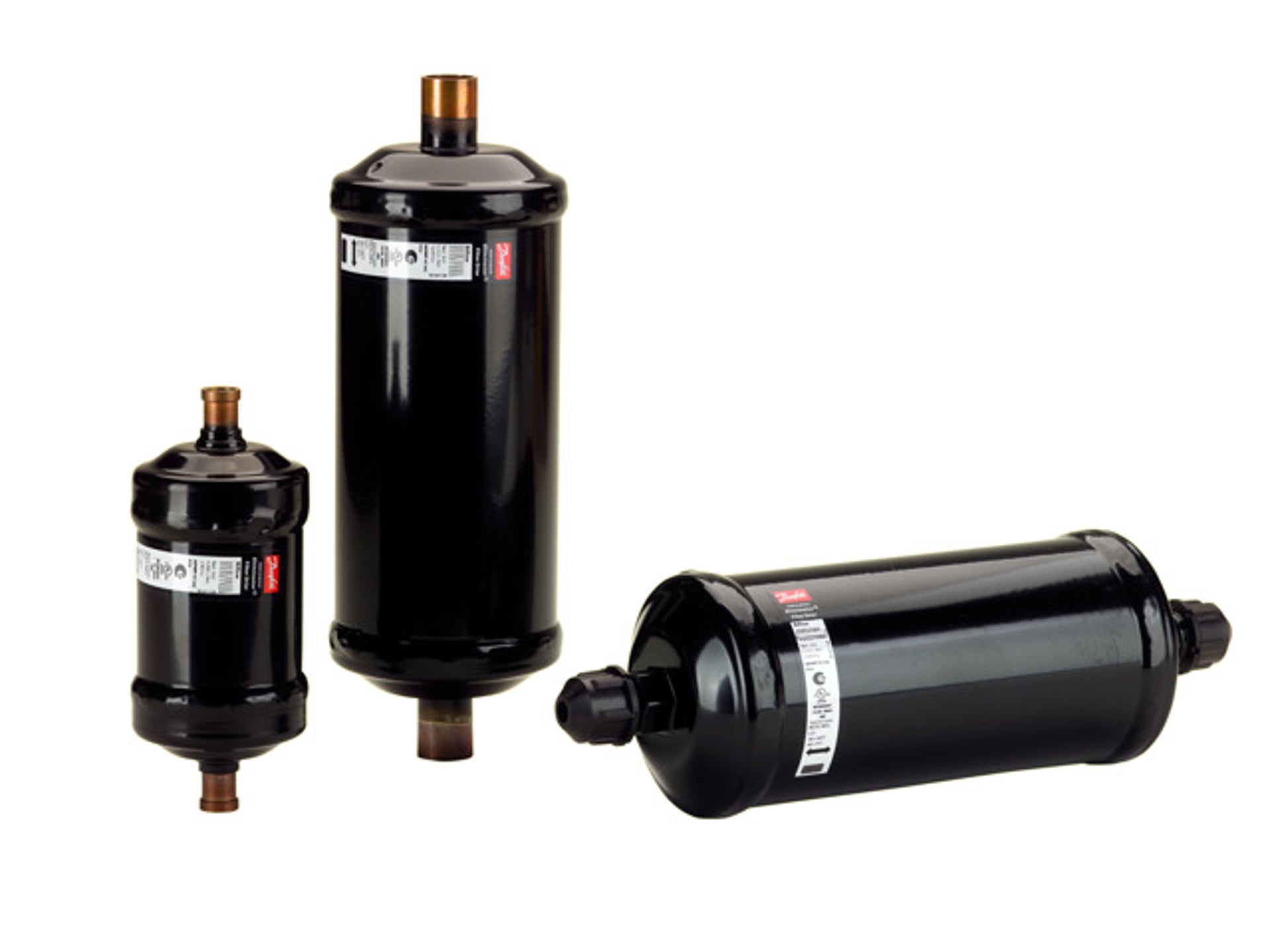
Filter Driers Selection
Identify and configure the optimal Danfoss Filter Drier to protect your refrigeration or air conditioning system.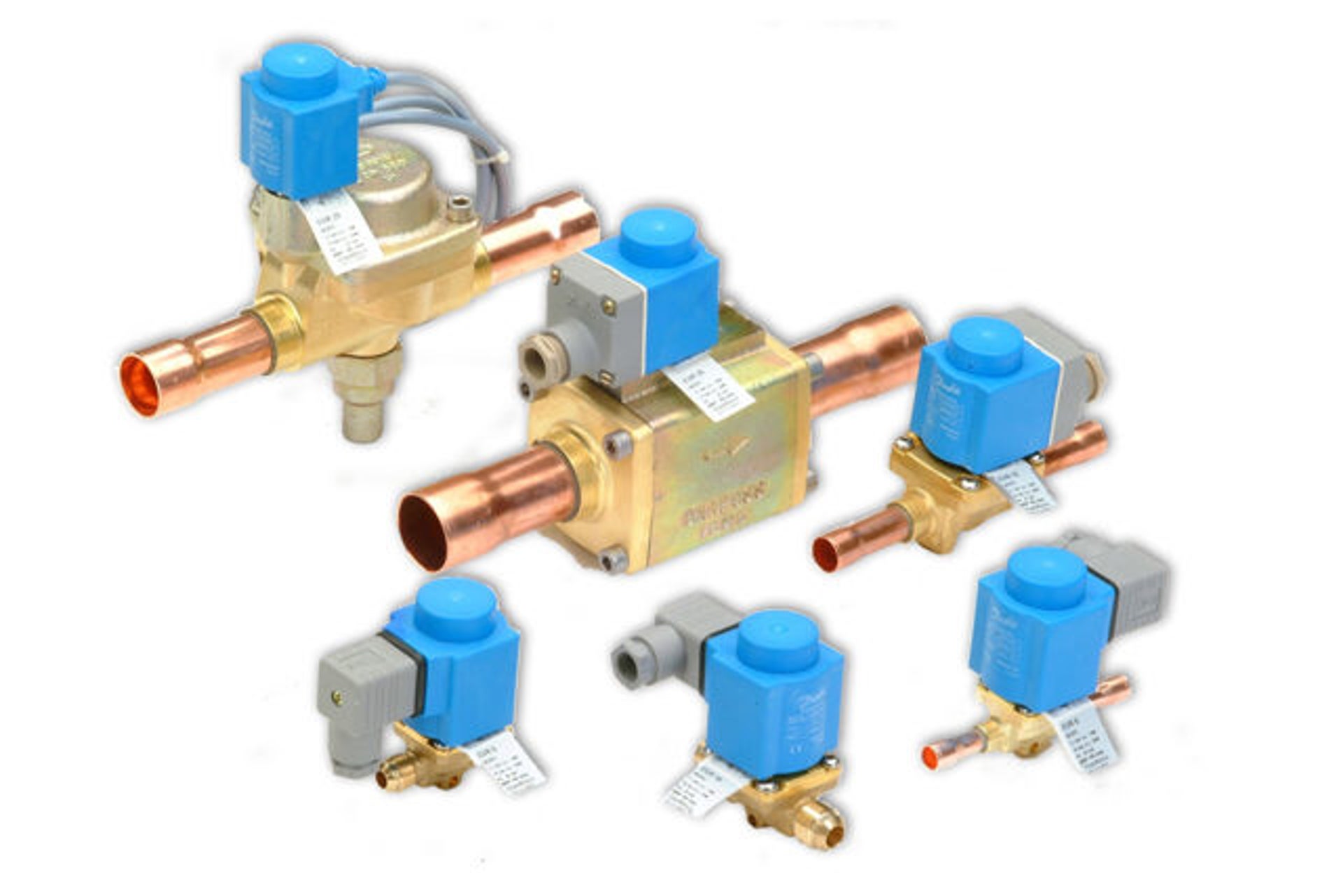
Solenoid Valves Selection
Choose the correct Danfoss Solenoid Valve for precise control in your cooling or heating system.
Water Nozzle Selection
Select the best Danfoss Water Nozzle for efficient spray performance in your application.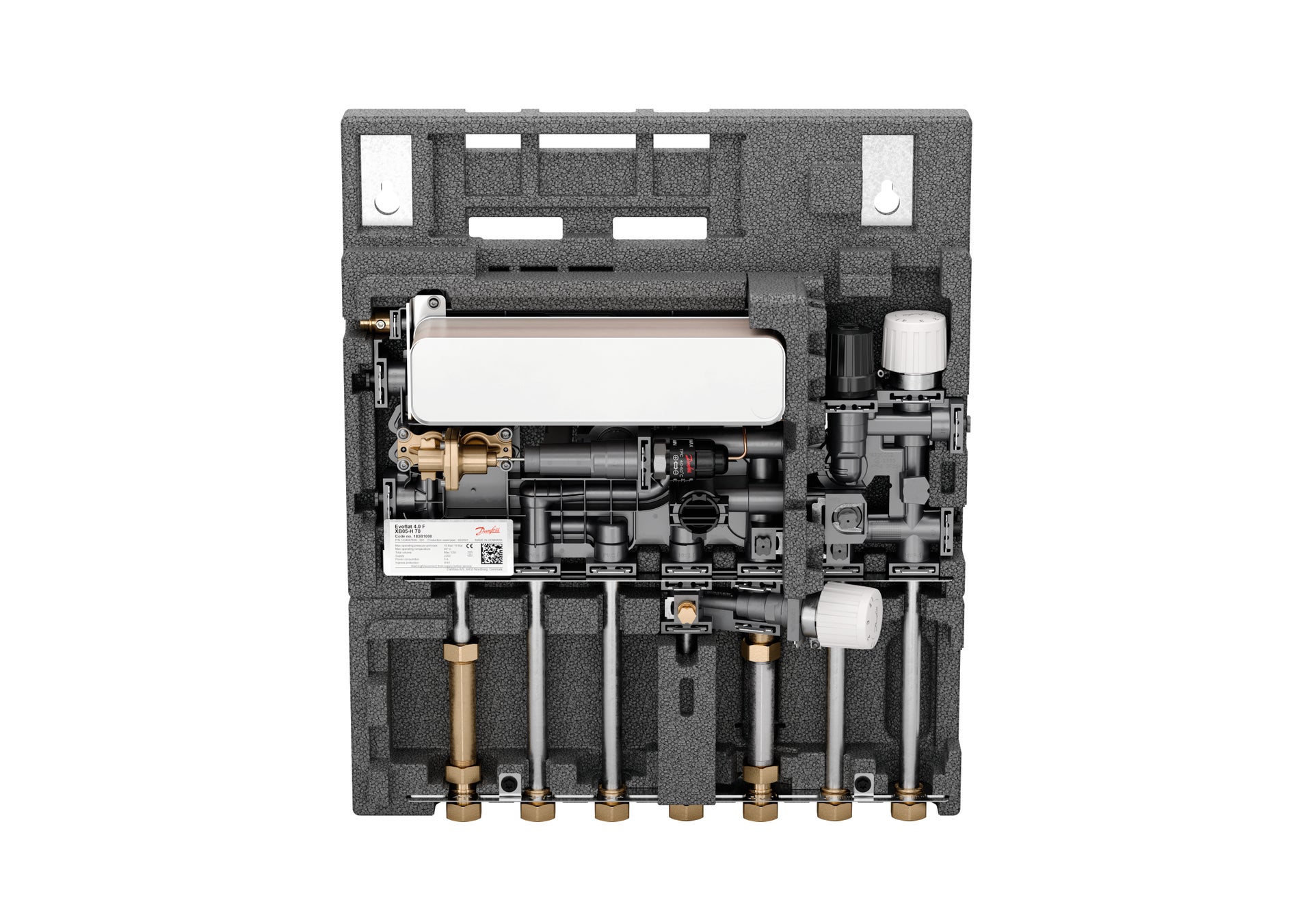
EvoFlat Selection
Configure your Danfoss EvoFlat solution for decentralized heating and domestic hot water systems.
Selection, configuration, dimensioning tools for cooling
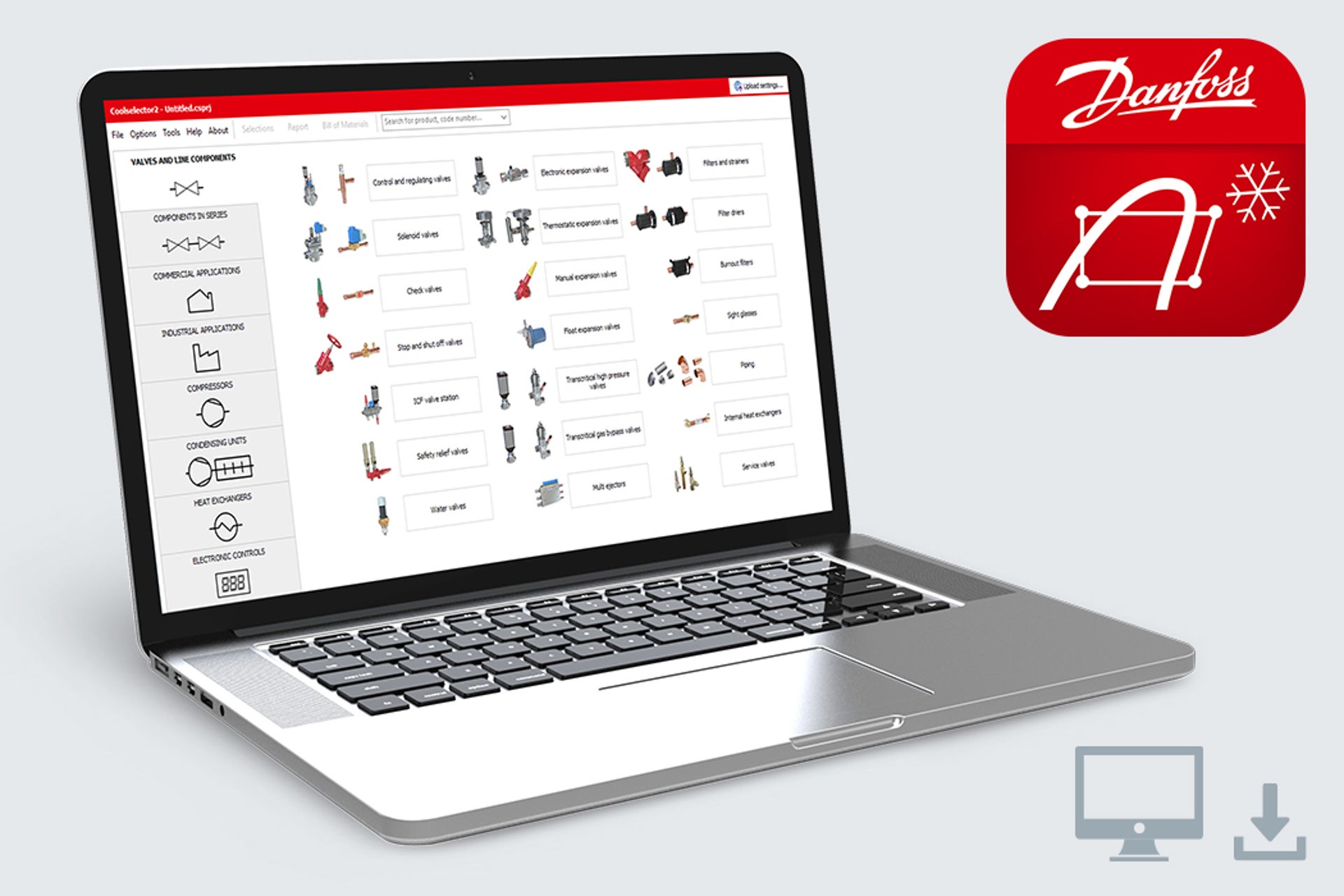
Coolselector
Coolselector®2 offers a scientific, time saving way to select Danfoss manufactured components and ensuring optimal performance in refrigeration and air conditioning systems by providing accurate technical information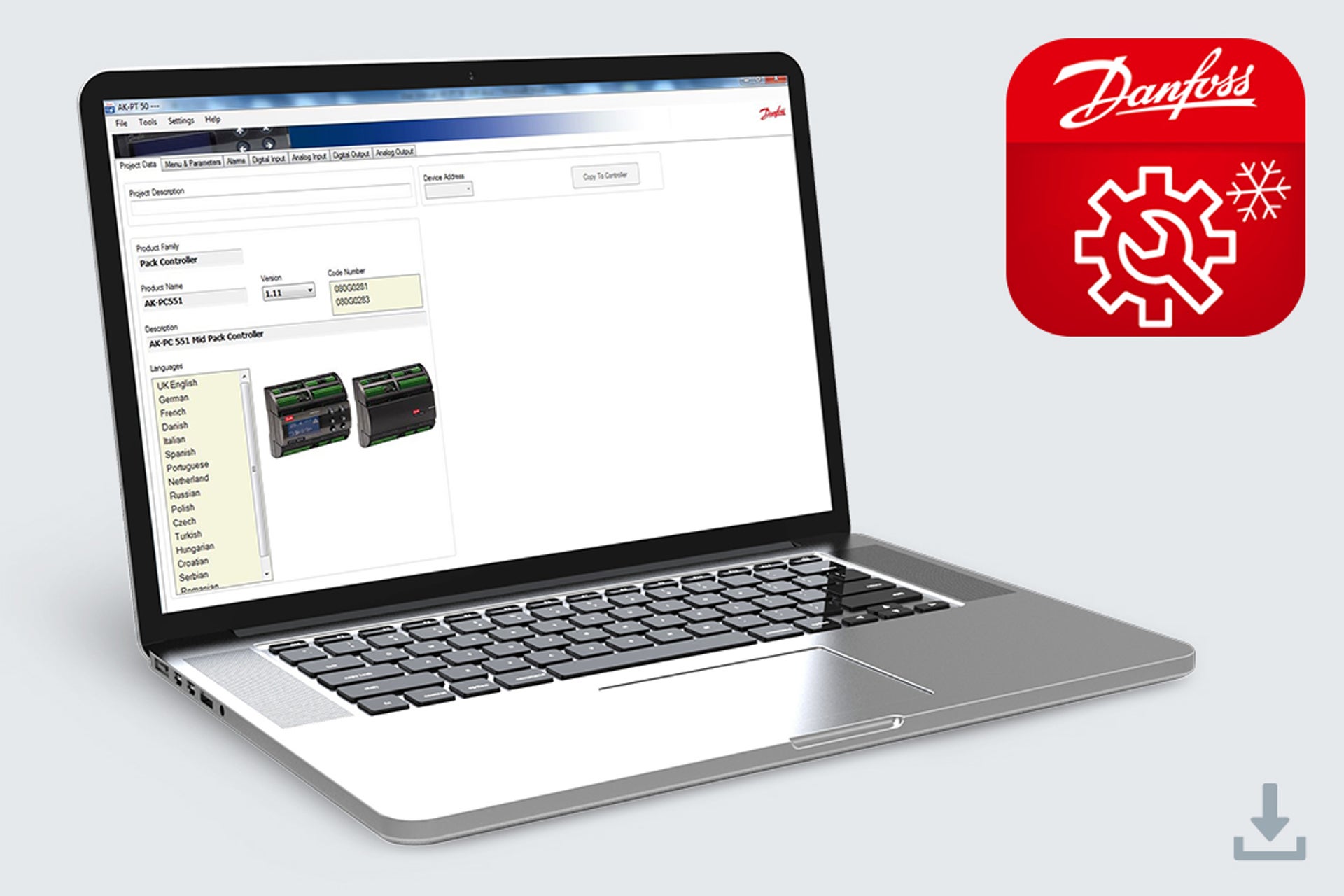
The AK-PT 50 Programming Tool
The AK-PT 50 Programming Tool enables you to program the software on AK-PC 351, AK-PC 551, AK-PC 572, AK-PC 651 and more to come.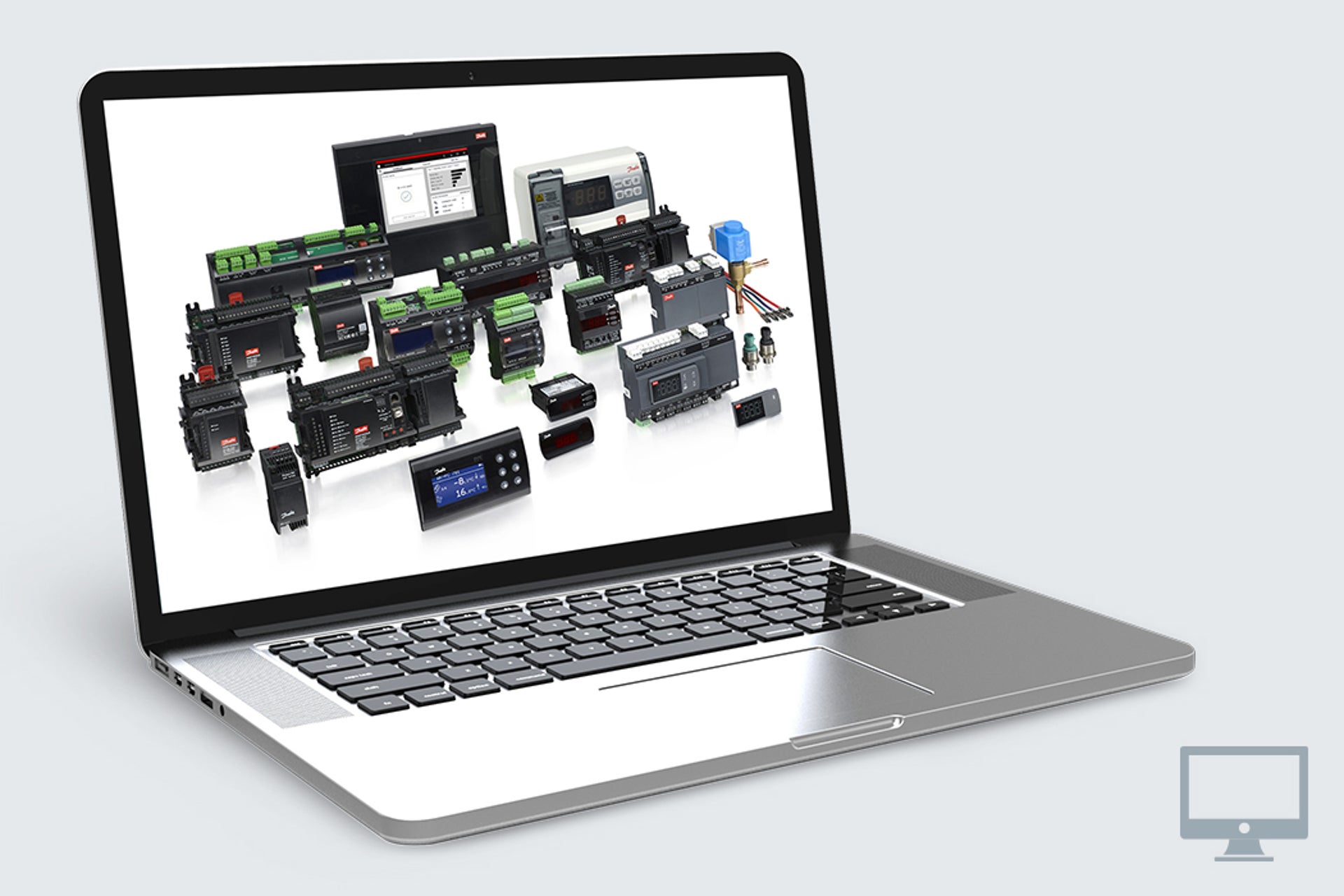
Danfoss ADAP-KOOL® Software
Danfoss ADAP-KOOL® software optimized systems provide the total store solution for our customers. Through its various tools you can simulate, programme for setup, commissioning, log collection and presentation, handle alarms and daily monitoring of refrigeration plants.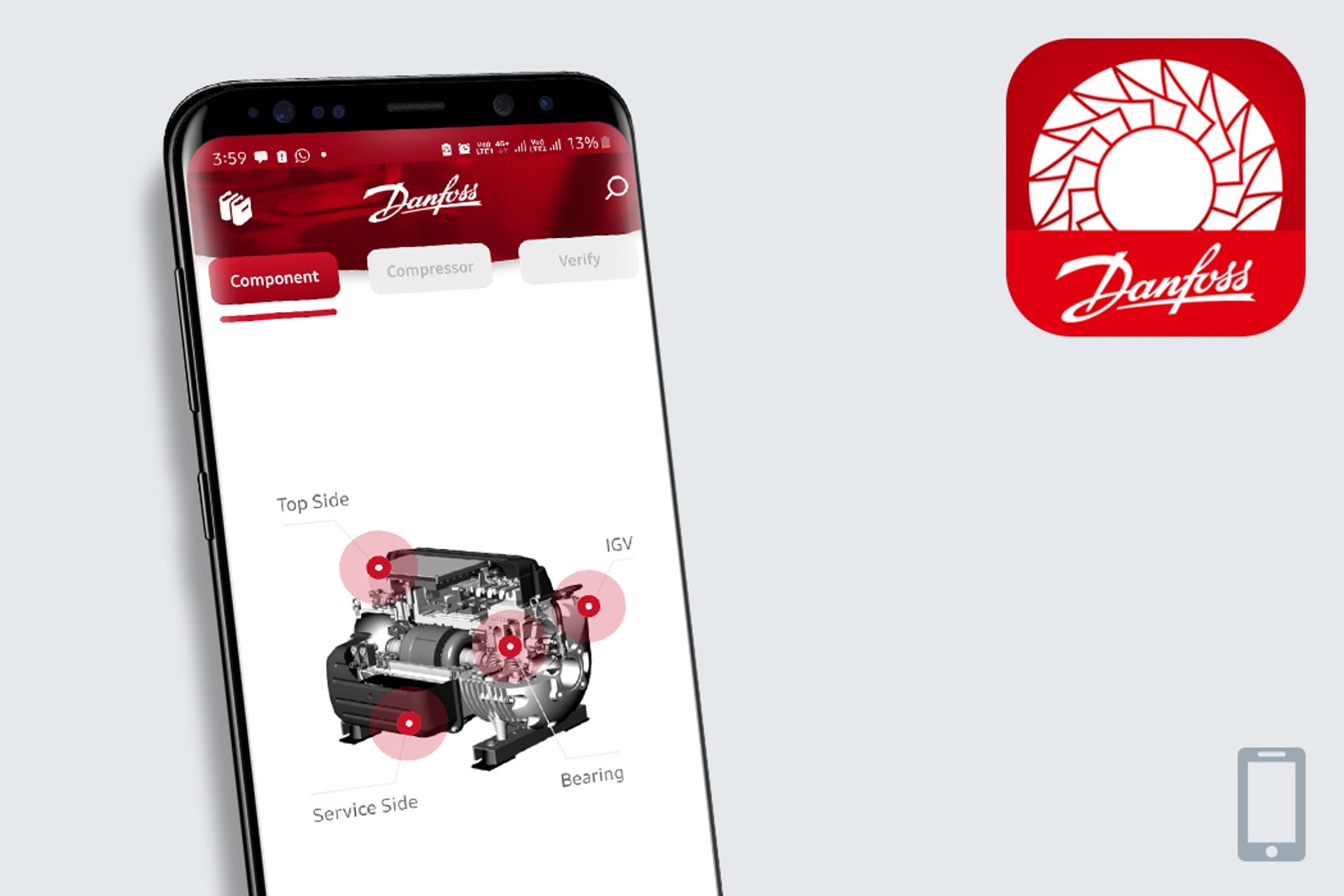
ChillerROI
The ChillerROI app helps you compare all the details when choosing a chiller, so you can make the right decision for your situation.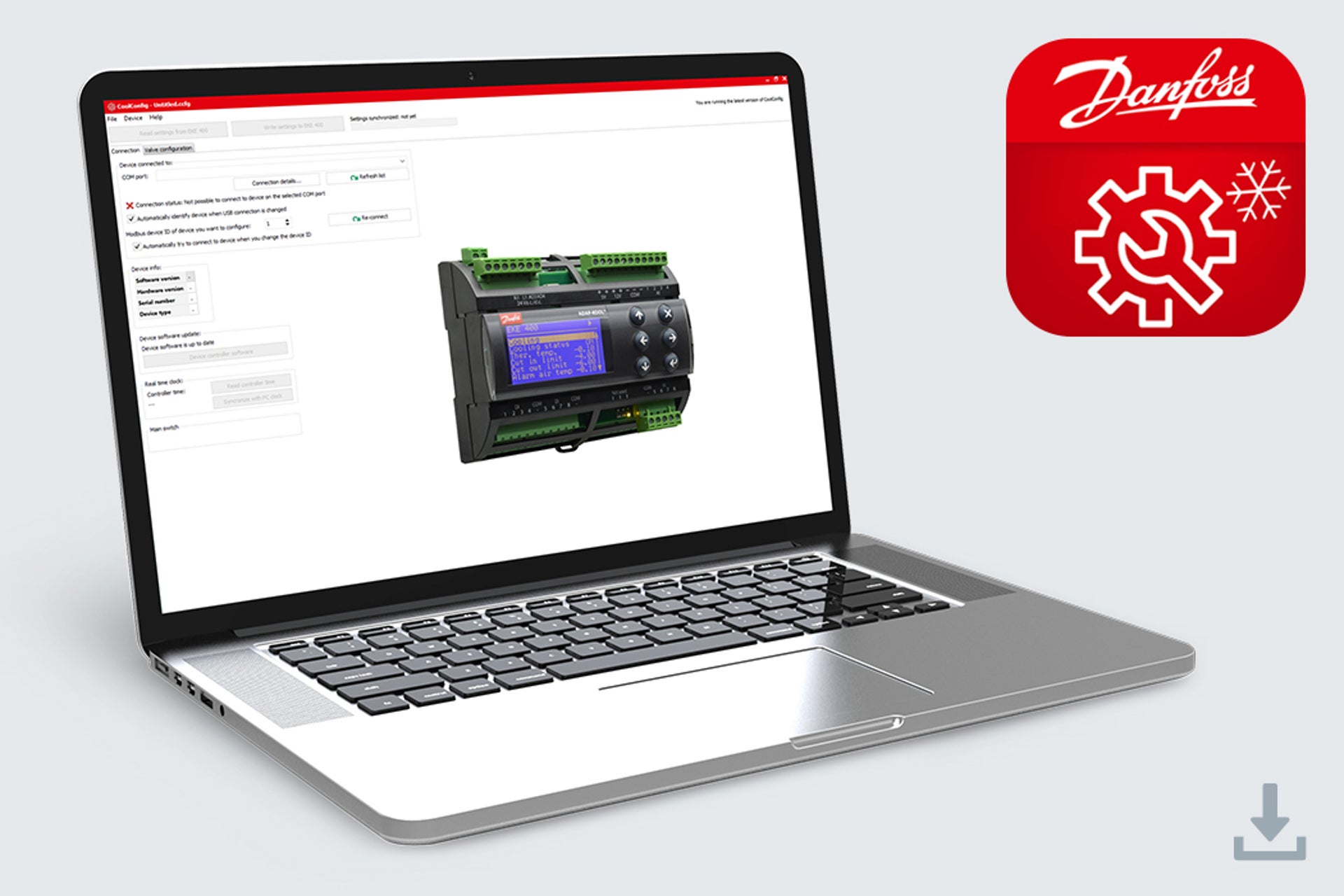
CoolConfig
Generate settings for the EKE 400 evaporator controller for industrial and heavy commercial refrigeration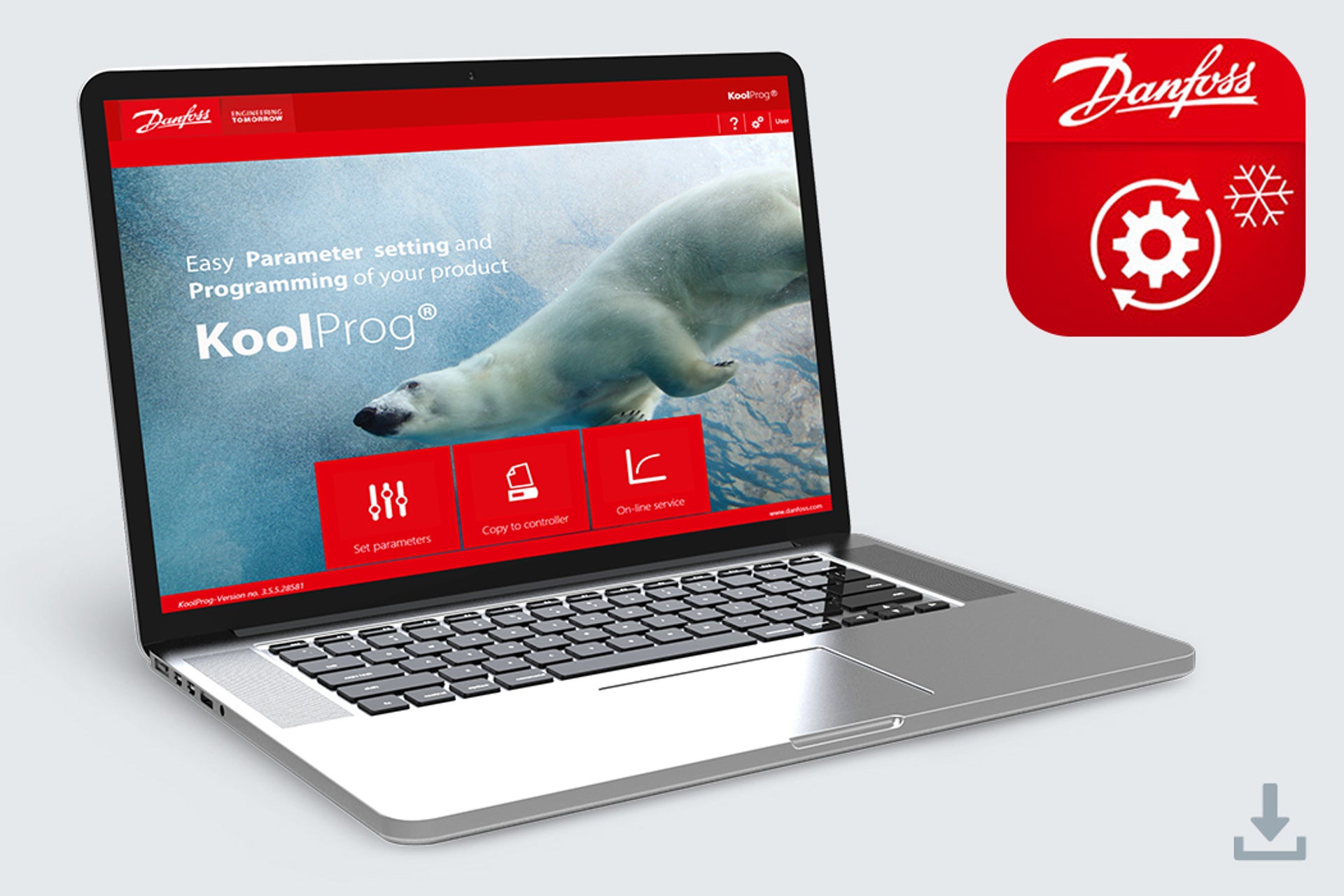
KoolProg
Configuring and testing the ERC and ETC electronic controllers has never been so easy with the new KoolProg PC software. With one software tool, you can take advantage of new intuitive features such as the selection of favorite parameter lists, writing online as well as offline program files, and monitoring or simulating alarm status activities.
Support tools for cooling
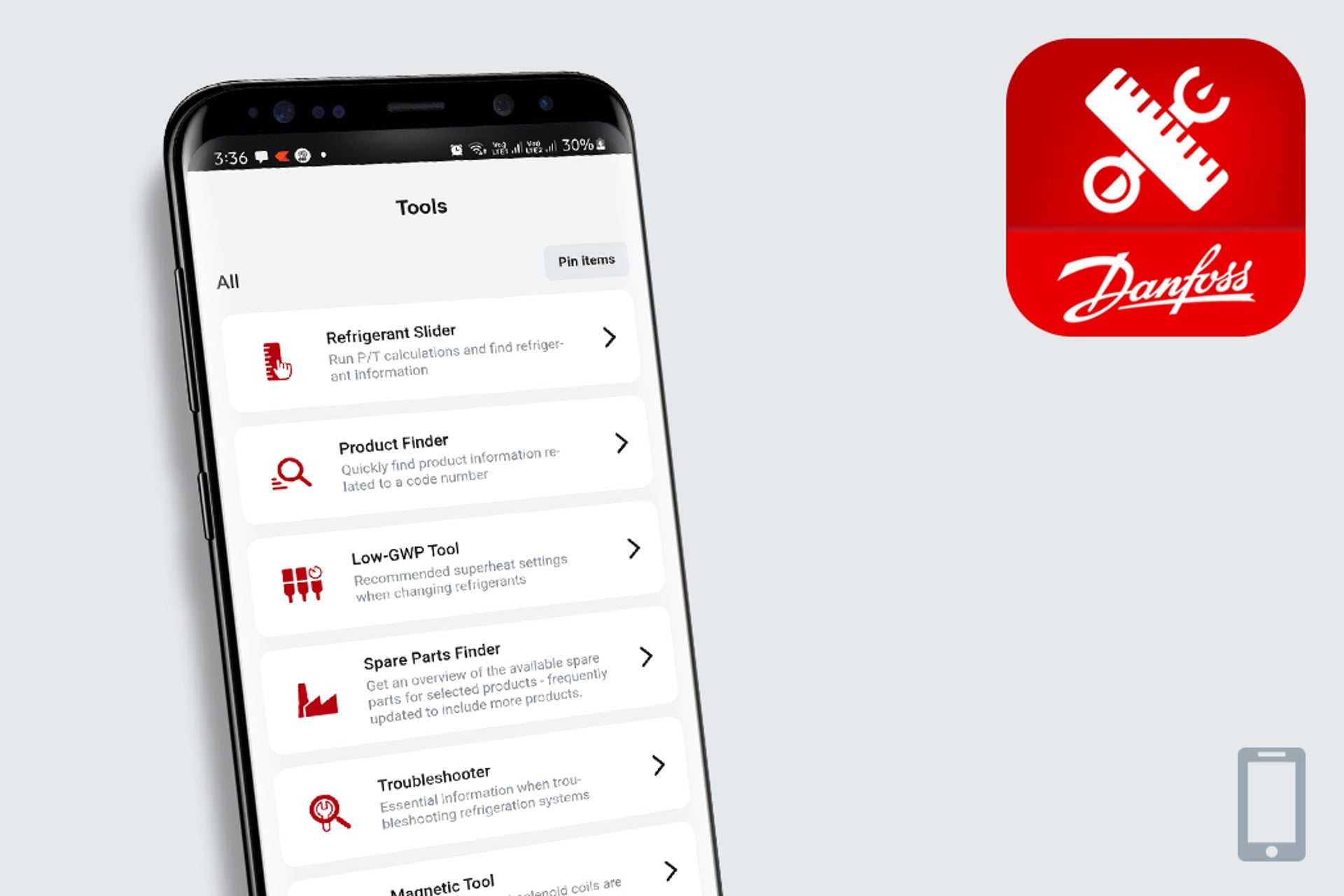
Ref Tools
Ref Tools is a free app that contains essential tools every air conditioning and refrigeration technician needs in their digital toolbelt.TurboTool®
The TurboTool® app is the essential compressor field-service on Danfoss Turbocor® compressors - for compressor service, repair and on-site troubleshooting.
SiteService
Stay on top of refrigeration system performance, remotely monitor alarms, and cut down on site visit frequency with the SiteService app for monitoring.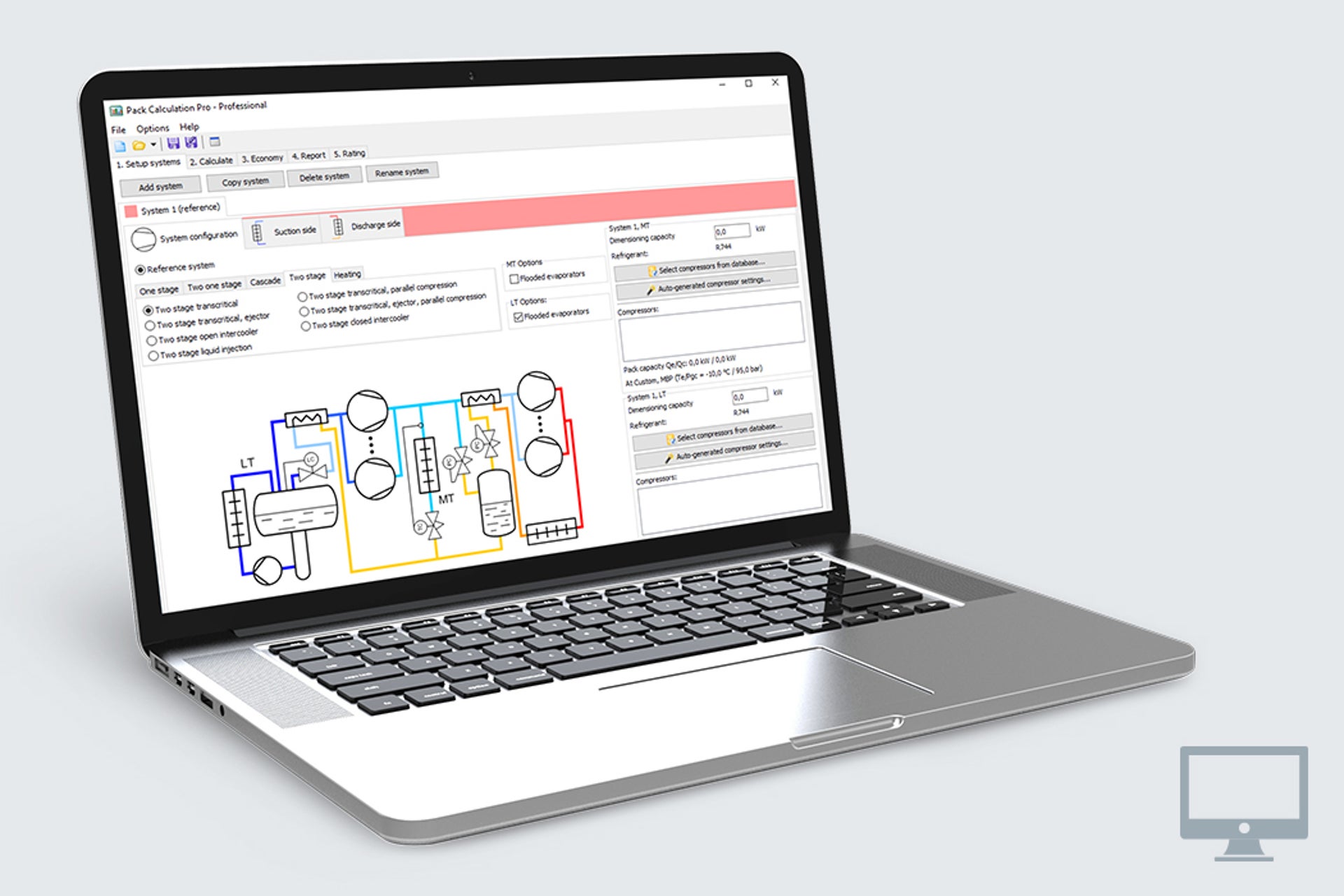
Pack calculation pro
Pack Calculation Pro allows you to compare the yearly energy consumption of refrigeration plants. Among other features, transcritical CO2 systems can be compared with traditional systems. The application makes this comparison based on a geographical location. This useful tool contains models of 11 commonly used refrigeration cycles and more than 4000 commercially available compressors.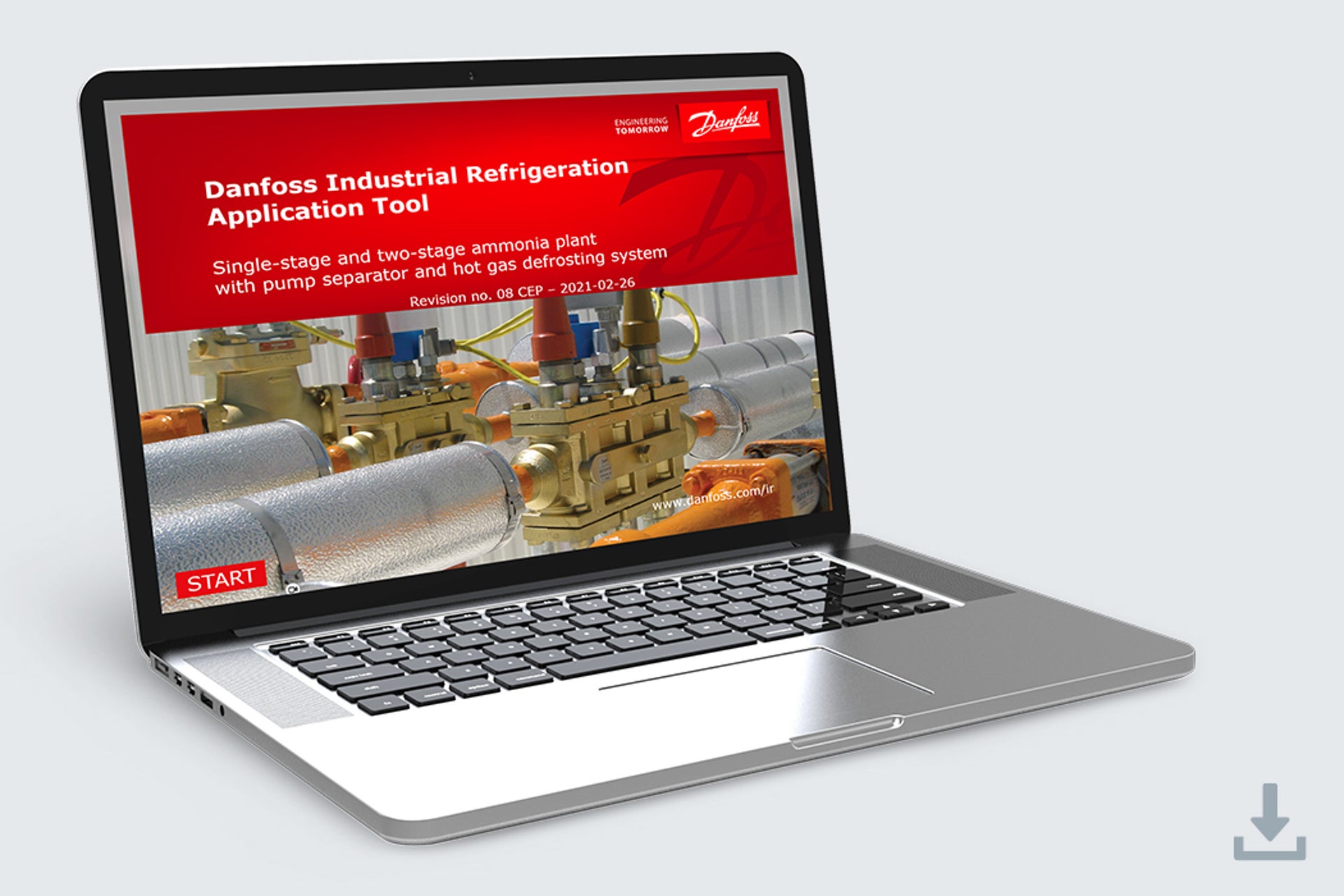
Industrial refrigeration application tool
IR application tool is an interactive PowerPoint slideshow that takes you through all details of a two-stage ammonia plant. By clicking on a specific area of the plant, you will be provided with detailed cut-away drawings and information on the specific valves required. You will also find useful links to technical literature, product animations and videos.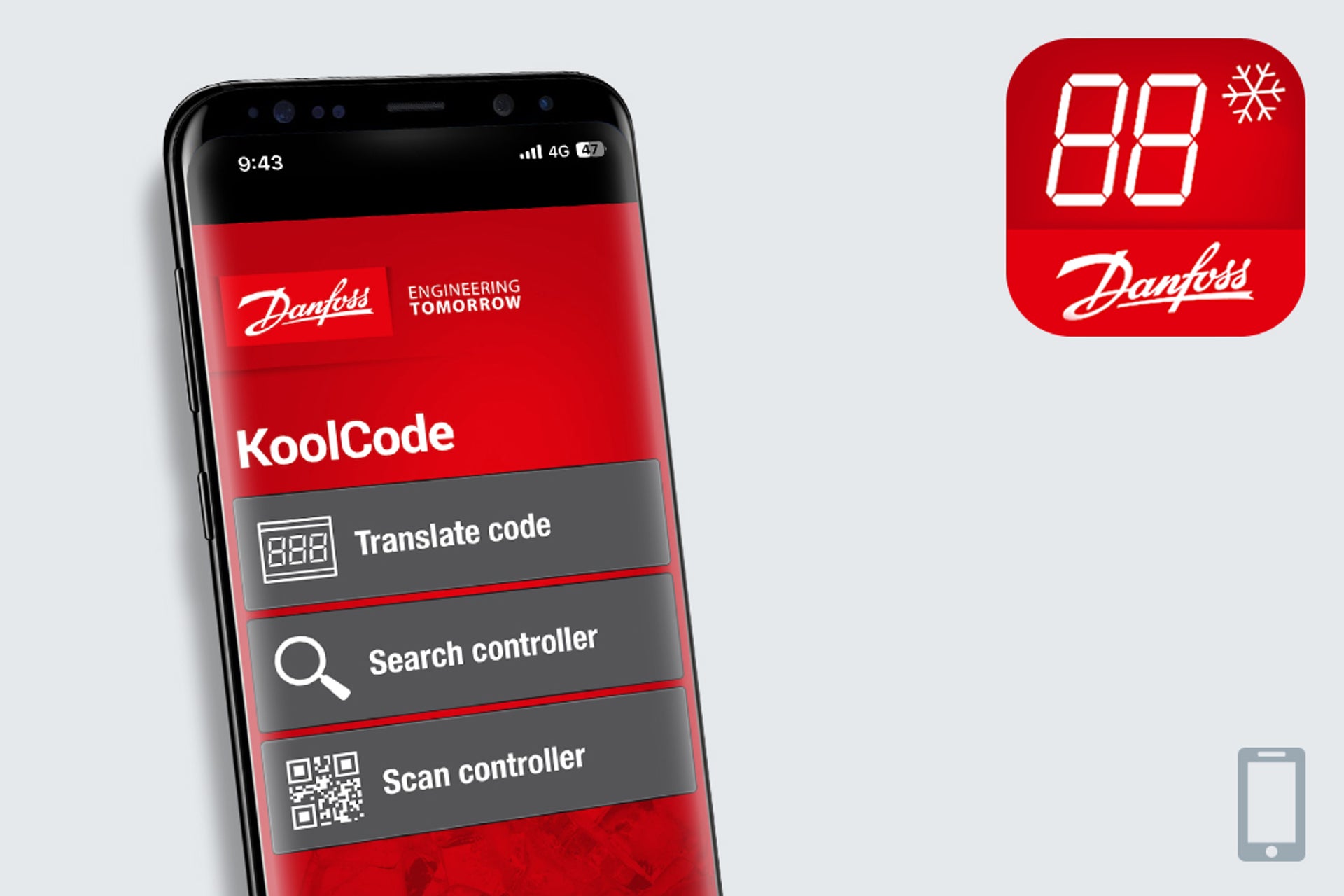
KoolCode
KoolCode enables refrigeration professionals and service providers to quickly identify ADAP-KOOL® alarm codes for most Danfoss refrigeration controllers.
Selection, configuration, dimensioning tools for heating
EvoFlat
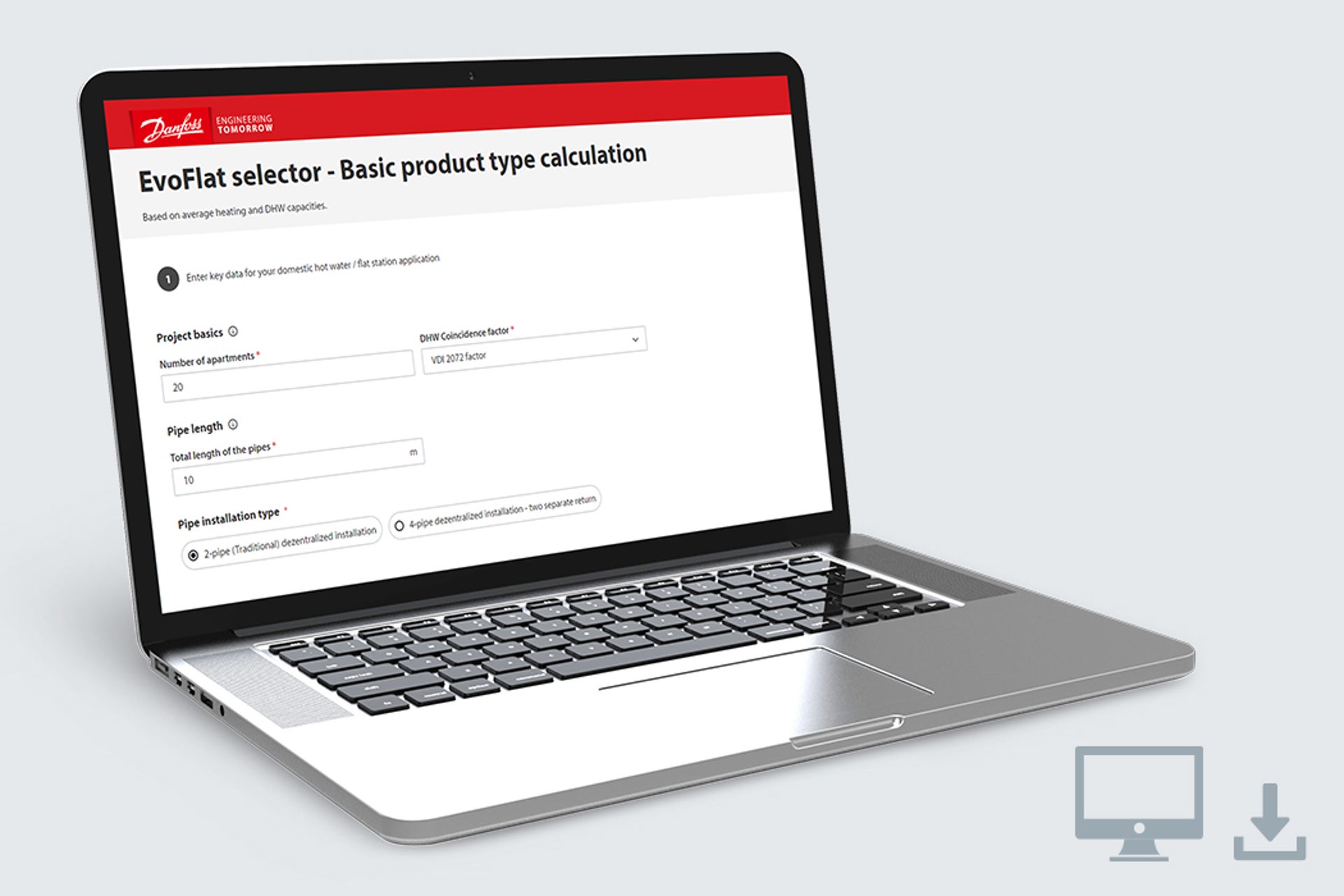
The EvoFlat Selector is the best-in-class online selection tool that optimizes the planning process for heating application experts.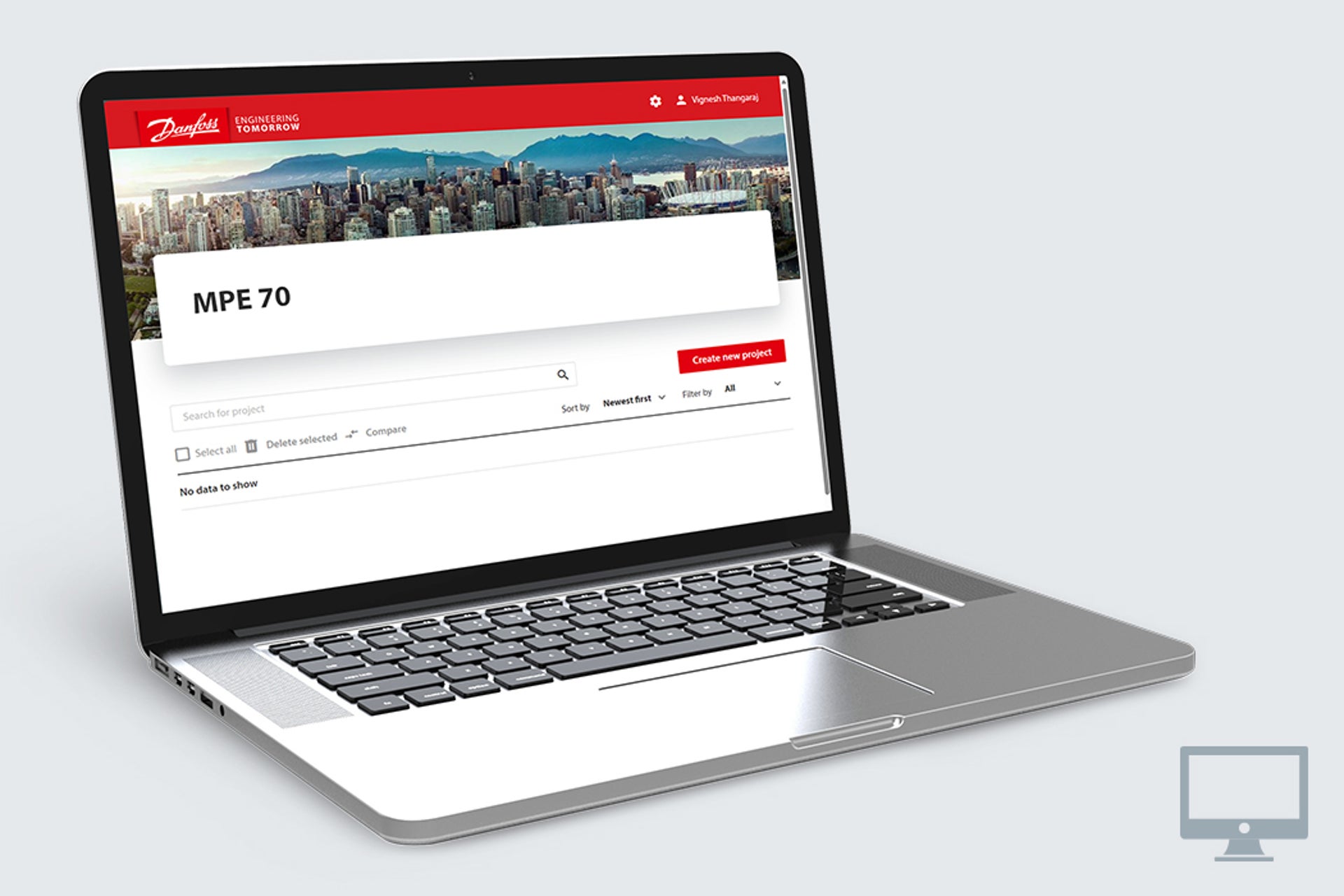
HPP Tools: MPE 70
The MPE 70 tool allows you to calculate your savings with the MPE 70 energy recovery device.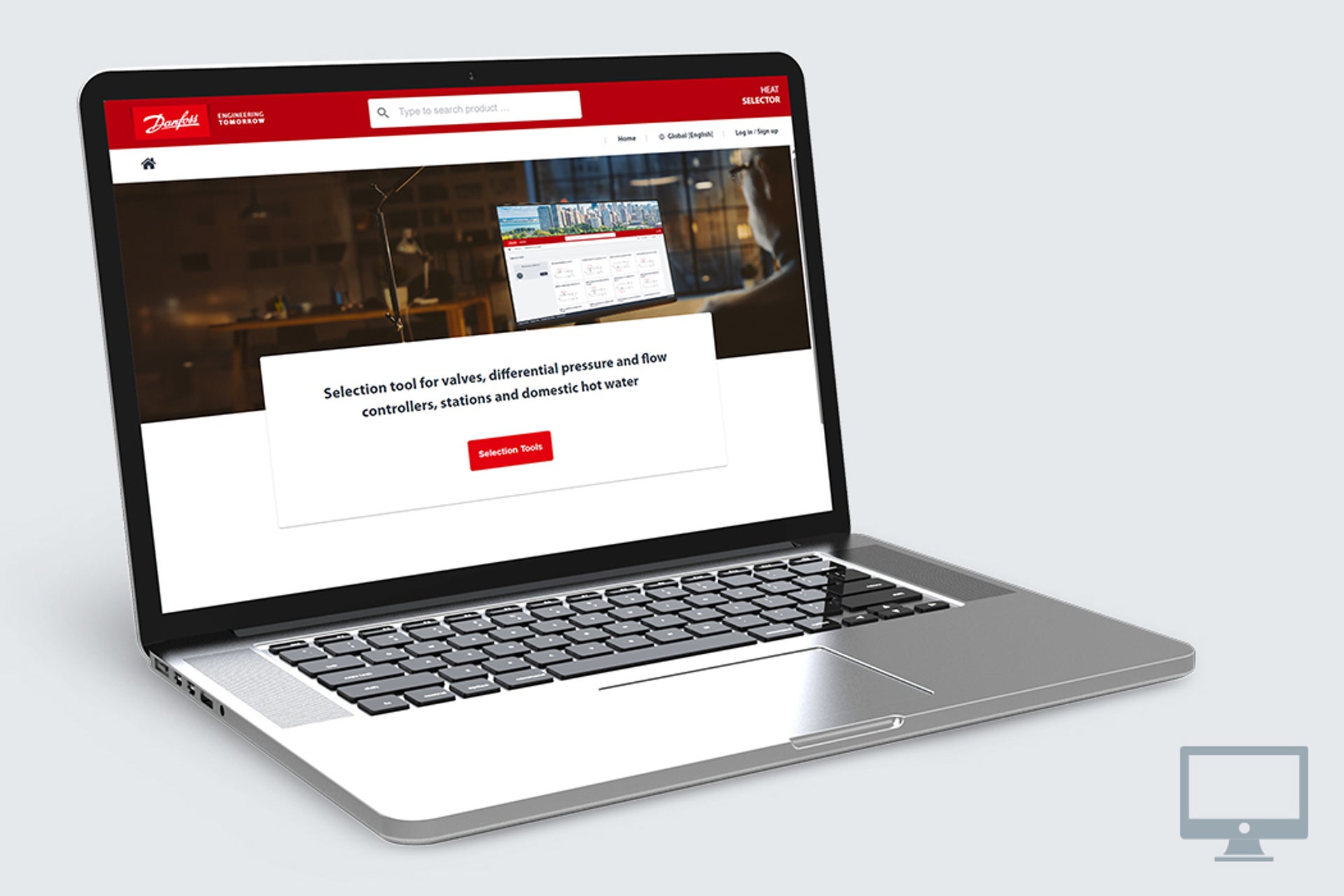
HPP Tools: APP tool
The APP tool allows you to calculate the performance of the APP in desalination projects and pair it with best matching motor.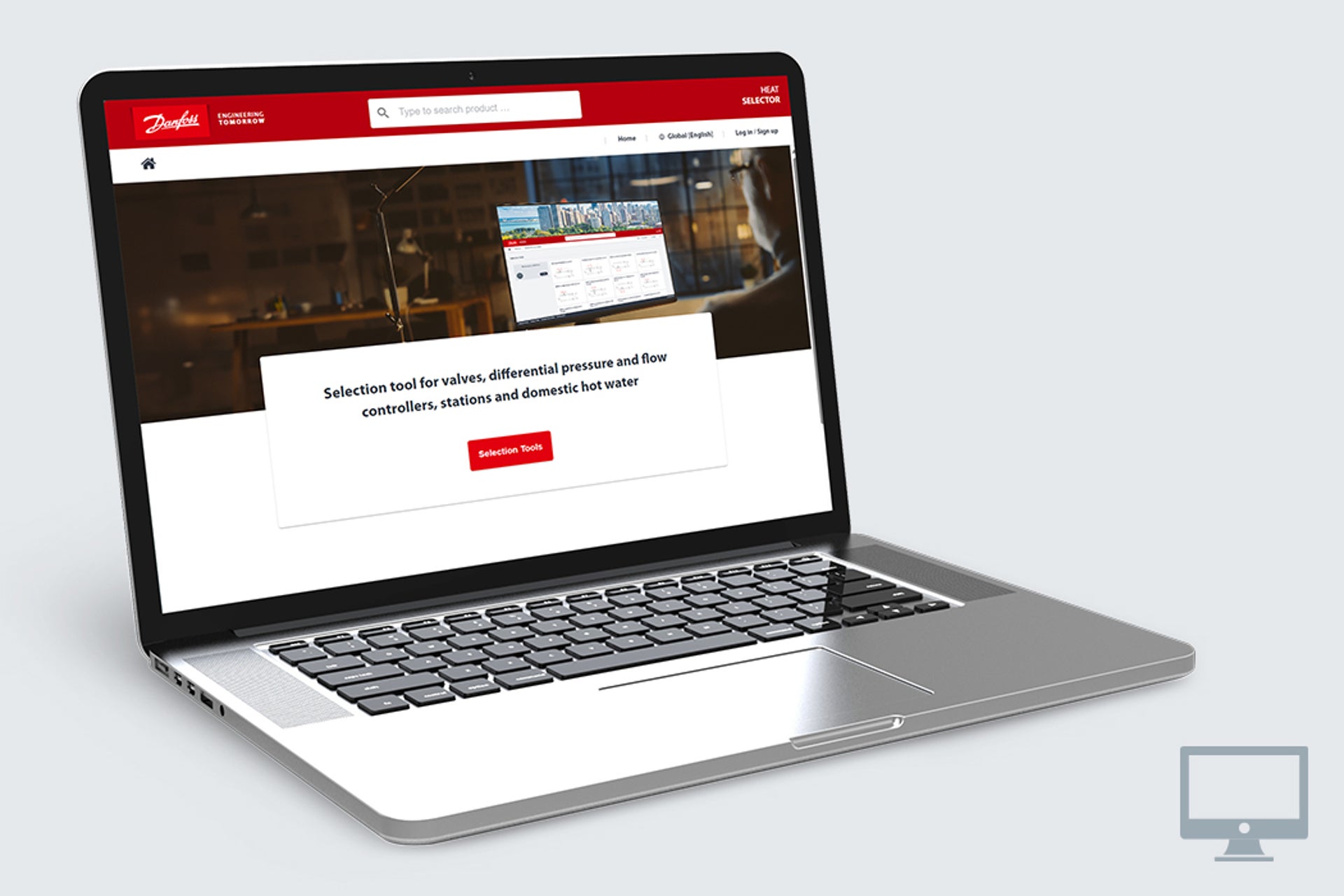
Heat Selector
The Danfoss Heat Selector is a best-in-class online selection tool that optimizes planning process for heating application experts.
Support tools for heating

BIM tools and libraries
Get easy access to our BIM files. You can choose to use the convenient BIMtool or download the files from our Product store or partner MagiCAD Cloud.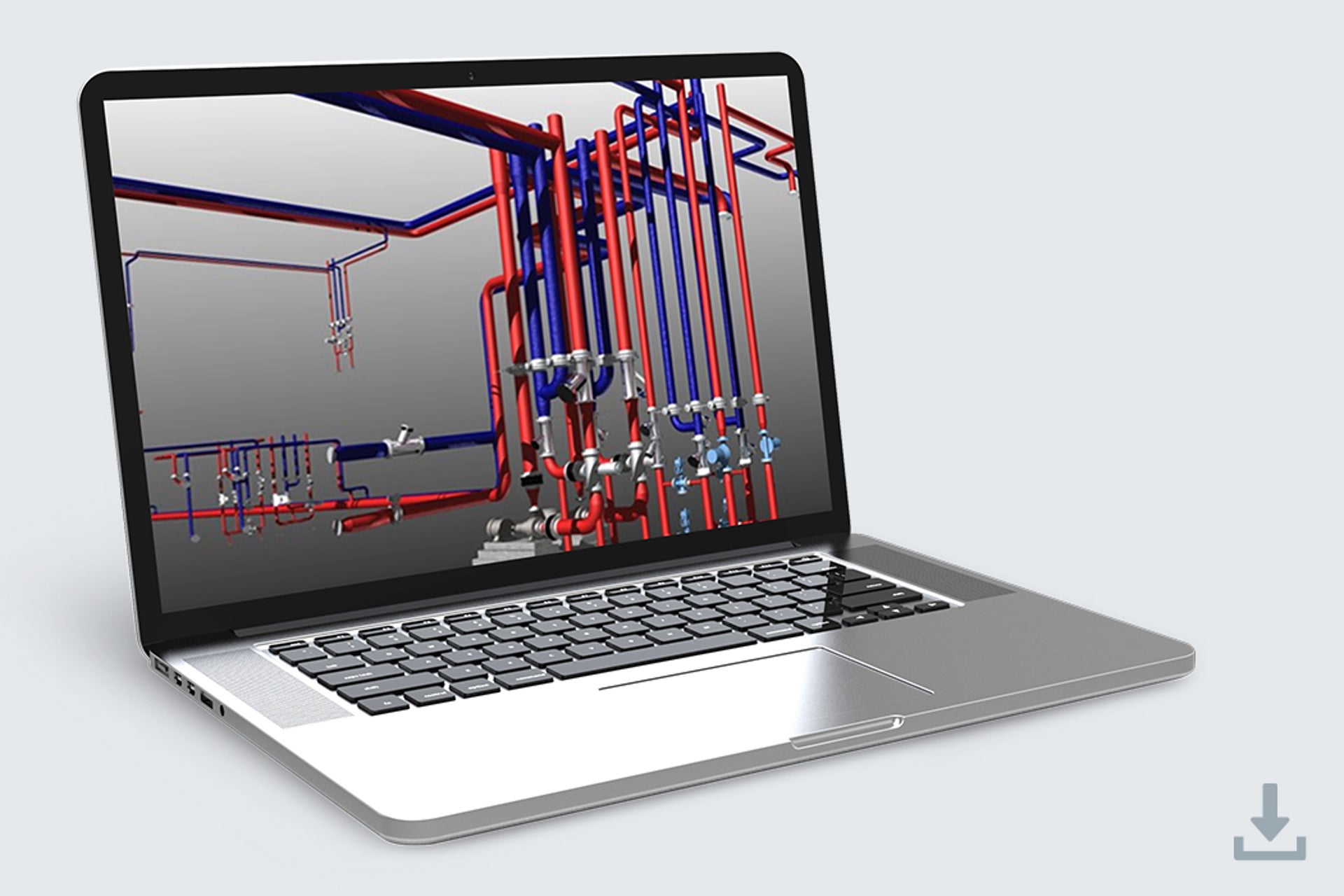
Danfoss SET 365
Danfoss SET is an advanced HVAC design software that allows you to make 3D graphical designs of new central heating/cooling installations, as well as hydronic balancing of existing installations.SonoApp
SonoApp controlles SonoSelect energy meter via your smartphone. Complex functions can easily be programmed and routine adjustments have been made faster to access and simpler to carry out. The high level of usability reduces errors and ensures minimized installation time.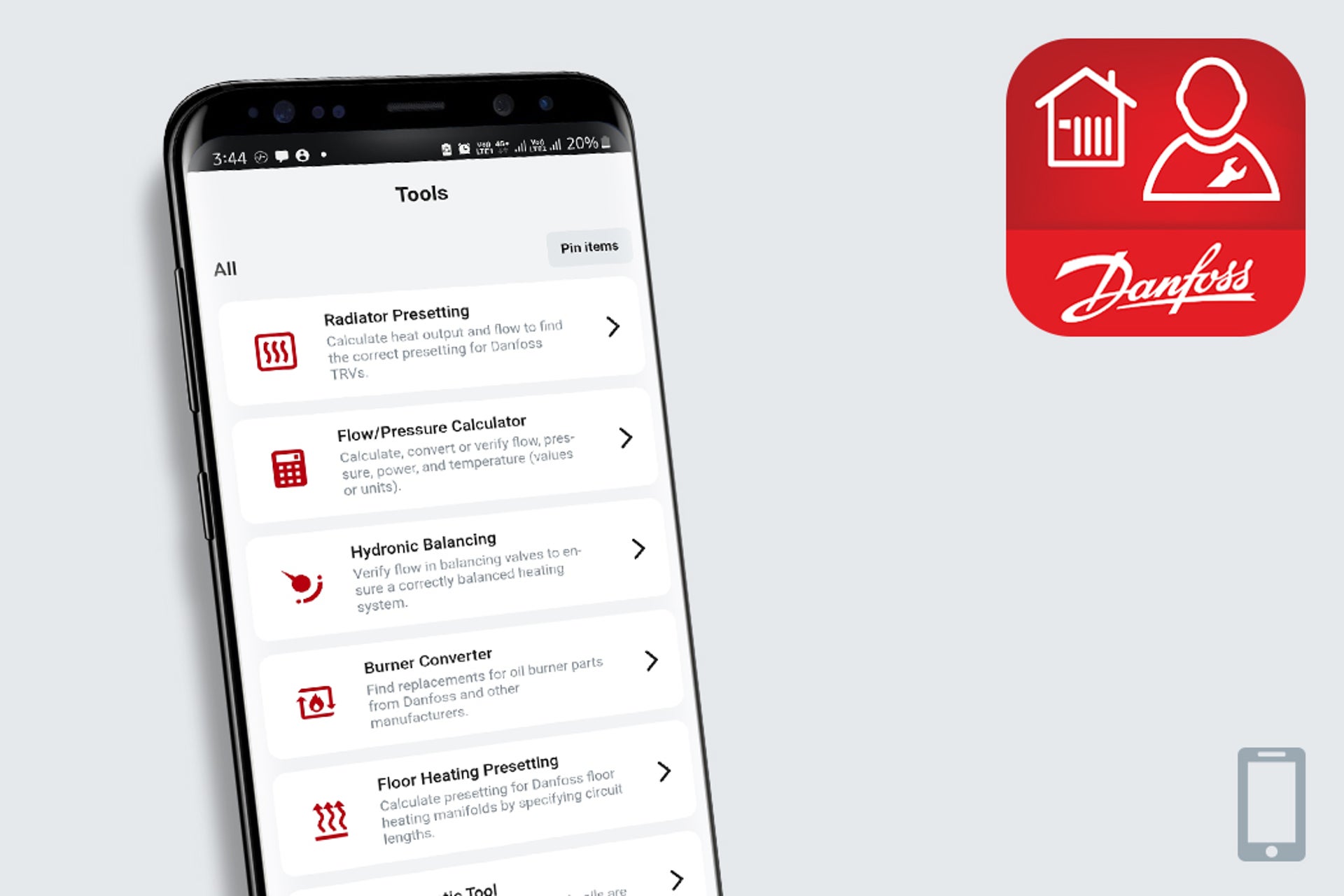
Installer App
The all-in-one digital toolbox —for every heating installer offering installation guides, digital tools, and product information. It includes quick calculations of radiator presetting, hydronic balancing, and much more, you are always well equipped to get the job done.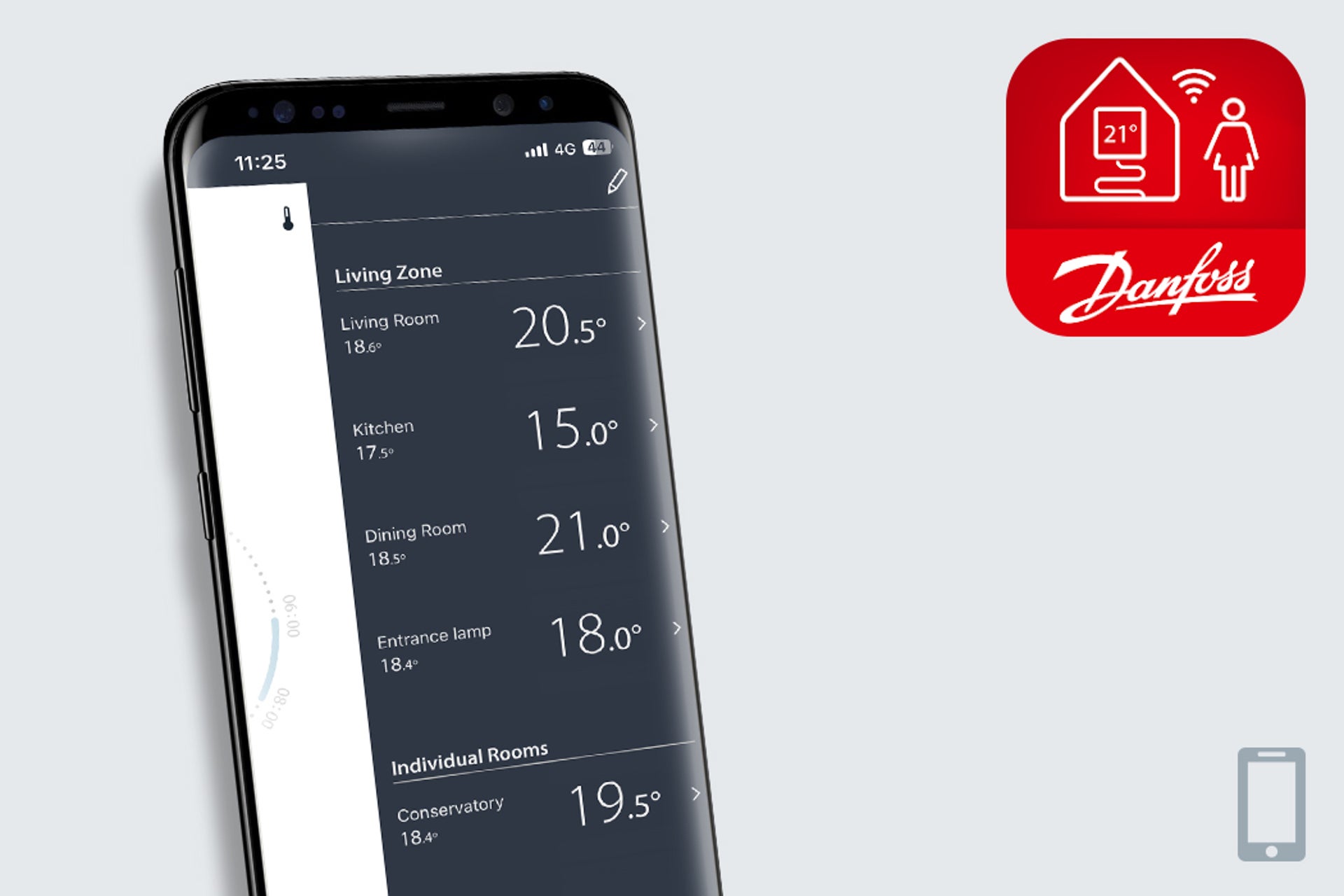
ECTemp Smart
ECtempTM Smart application offers wireless control of electric floor heating systems equipped with ECtempTM Smart thermostat. The app turns your mobile device into an intuitive floor heating remote control.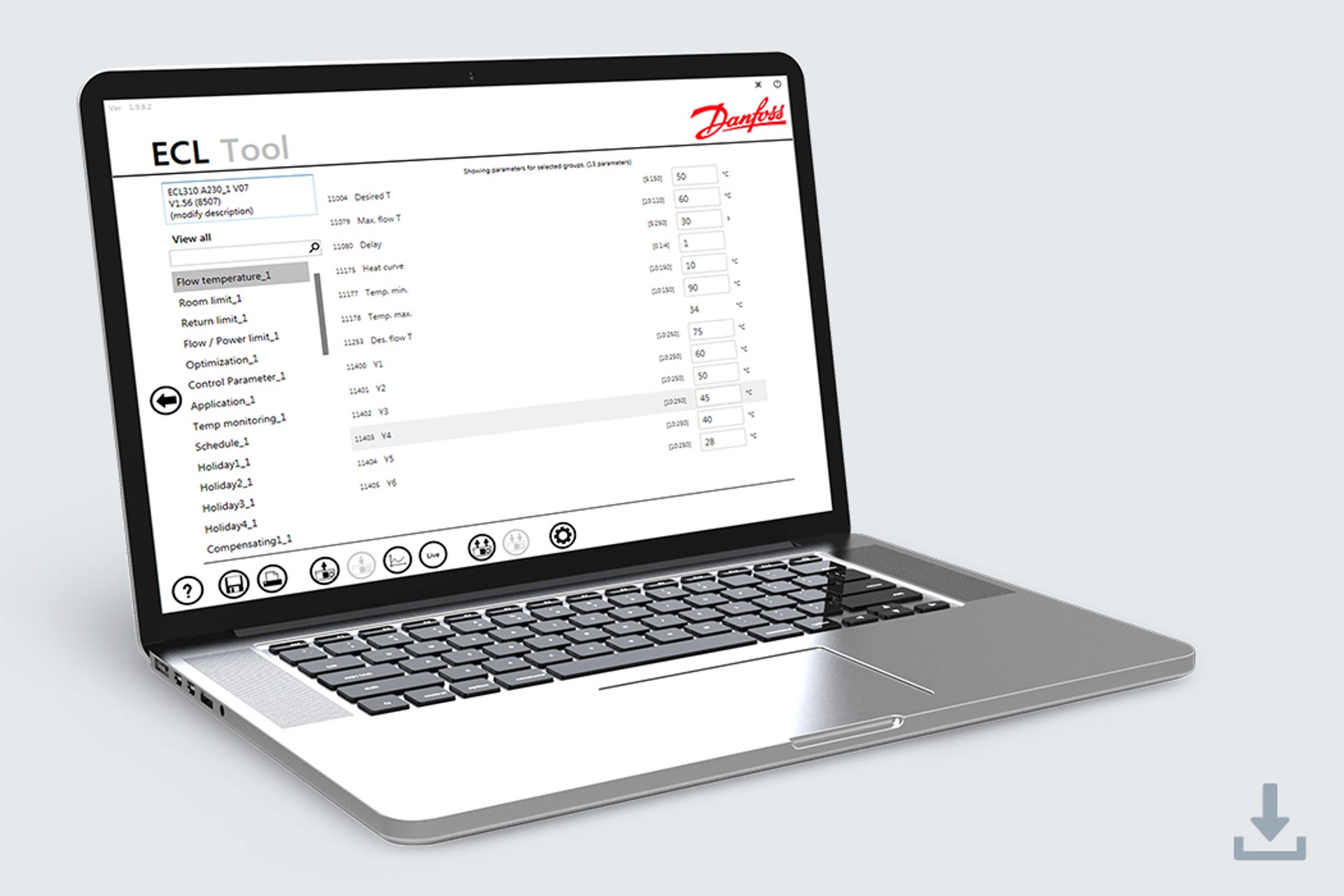
ECL tool
ECL Tool lets service personnel connect to an ECL Comfort 210/310 controller and load, modify and save settings of all its parameters. It can also print a report of current/changed settings i.e. after commissioning of a heating installation.
EH Plugin for AutoCAD
The Plugin supports your engineering and design journey by making your work faster due to simple functionalities in calculating all lengths, dimensions and product data of cables and mats.
Partner Portal
.jpg?auto=webp&quality=85&width=1920)
Partner Portal
The Partner Portal is your go-to solution as it offers a smart alternative for accessing and managing Danfoss product information efficiently. Get more then just product data - gain access to ETIM classification, marketing campaigns tailored to your market, and join the Sales Readiness program to promote your business across Danfoss digital platforms.